Application Menu
There are a few handy tips and tricks to help make it easier to jump around in the Application Menu. For reference, the Application Menu is what you get when you click on All in the top menu bar.
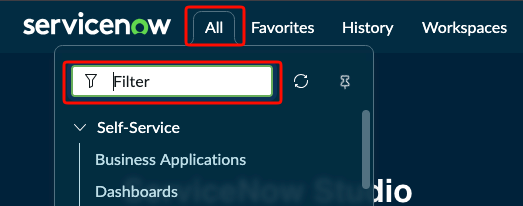
If you know the name table you're after, you can simply enter it in the Application Menu box and append some of the following to it
.do: Adding.doto the end of your table name will take you to the "New Record" screen for that table. For example, if you wanted to quickly create an Incident you could type inincident.doand hit Enter..list: Adding.listto the end of your table name will take you to the list view of that record. By default it will query all of the records on that table so use with caution. It is recommended to use.filterinstead..filter: Adding.filteris similar to.listonly it will not query any results. This allows you to first specify some filters before running your query.
You can also use the all caps equivalent and it will do all of the same things in a new browser window. So instead of incident.do you can enter incident.DO and your new incident screen will pop up in a new browser. window.
If you need help figuring out which table name you need, check out our Searching page.