Auditing Changes
There will be times you need to understand who did what to a ticket. Most of our common tables (Incidents, Cases, Users etc) all have auditing turned on.
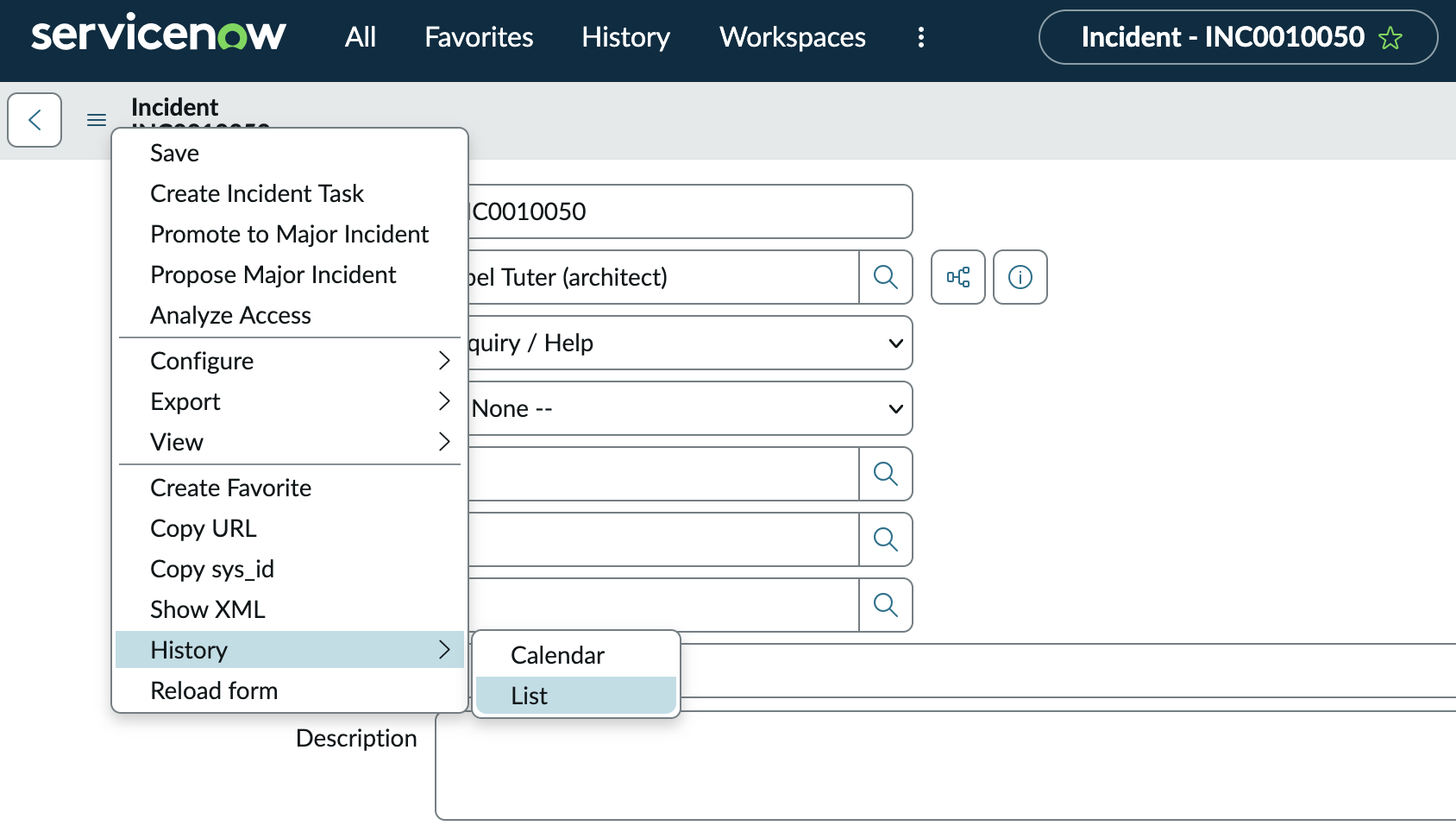
To get started, click on the Hamburger Menu in the top left corner (The horizontal 3 lines in our screenshot below). Towards the bottom of the menu will be History and you want the List View if it's available.